Send your comments through this form and we will get back to you
Forex Flex EA: Automated Forex Trading for MT4 & MT5
Attach the best forex robot to your account in just a few easy steps!
LIMITED SPOTS LEFT

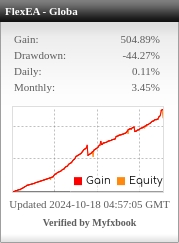

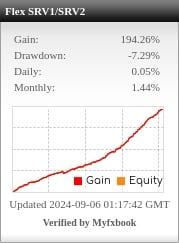
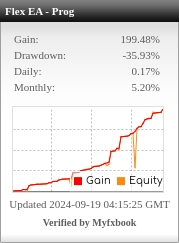
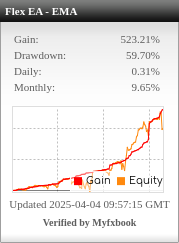
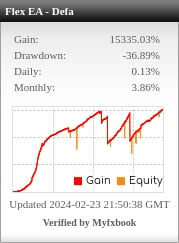
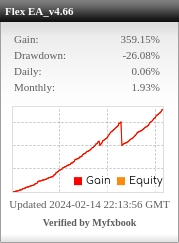
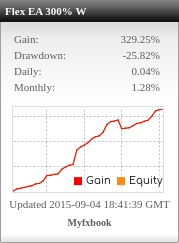
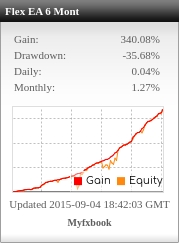
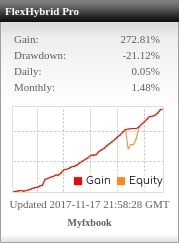

Learn how to backtest an EA in MT4 or how to backtest an EA in MT5, including data quality, trading costs, and how to interpret the results. Historical simulations do not guarantee live performance.

Flex EA is a fully automated verified forex ea (trading robot) that works by using a newly developed innovative technology involving "virtual trades". Flex will open virtual trades in the background, using them to constantly monitor the market to help determine the absolute perfect entry point, at which point Flex will start its automated trading as a forex robot, opening and closing real trades automatically.
No automated system out there can be profitable long-term without consistently updated settings. Flex features an automatic update system, so you can be sure your copy is always up to date with the latest, best performing settings for the current market conditions. Yet another new innovative feature we're bringing to the table.
Get up and running in minutes with just 5 easy steps:
Once configured and enabled, Flex EA can open and close trades automatically when the selected strategy's conditions are met.
Want the terminal to keep running when your computer is off? Learn how to run a forex EA on a VPS. Before using a new setup with real money, follow our guide to forward testing a forex EA on demo.
Send your comments through this form and we will get back to you
Works best on (GBPUSD, USDJPY, USDCAD, USDCHF, EURUSD, AUDUSD, EURJPY, EURCHF, EURGBP, NZDUSD) but can be traded on virtually any charts. There are a few pairs we recommend avoiding in the setup guide.
Optimized set files, This is what sets Forex Flex EA apart from the rest and makes it the best forex ea on the market. Don't be overwhelmed by the hundreds of unique settings available in Flex. Our highly optimized set files take the built in strategies a step further so you don't have to spend your precious time tweaking. Download a compatible .set file from your members area and load it through the EA's Inputs tab, then review the values before enabling trading. Follow our step-by-step guide to using set files in MT4 and MT5. Not only are there highly optimized .set files from our team, but also some very strong performers shared by many forum members with lots of discussion and help provided.